
Overview
AppsAnywhere allows you to connect to multiple directories at the same time. In this article we'll take a look at how you can see which directories AppsAnywhere is currently linked to.
Viewing the connections
Navigate to the Manage LDAP Connection page:
-
Log into AppsAnywhere as an admin user
-
Cick on Return to Admin to access the AppsAnywhere admin portal
-
Select the environments menu on the top right of the page, go to LDAP Connections
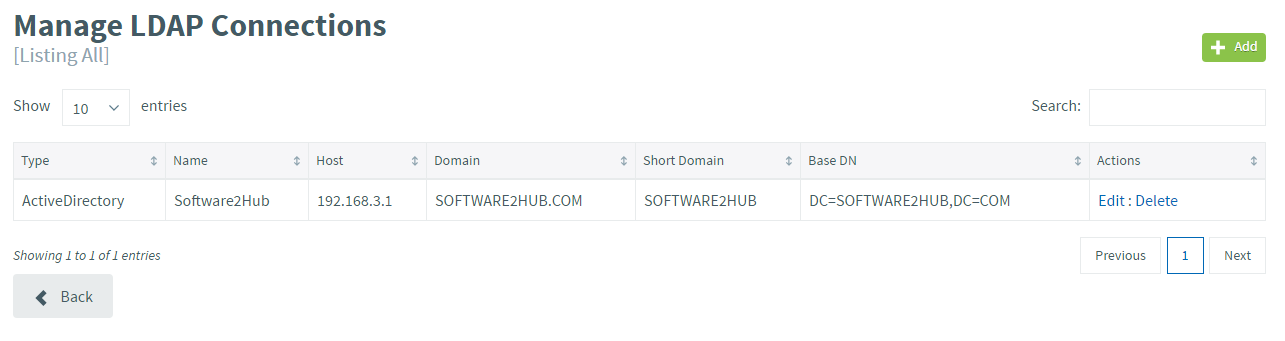
Here you will see a full list of the directories AppsAnywhere is linked to.
If you have a large number of directories, you can use the live search to quickly find the entry you are looking for.
From this page you can:
-
Click the Edit button next to a connection to modify the details of that connection - See Editing an LDAP connection
-
Click the Delete button next to a connection to delete that connection - See Deleting an LDAP connection
-
Click the + Add button in the top right to create a new connection - See Adding an LDAP connection
Editing the details of or deleting an LDAP connection will affect all users currently logged in using that connection.