
The Cloudpaging applications view (accessible via Cloudpaging > Applications) provides a full list of all Cloudpaging applications loaded into Cloudpaging, along with the ability to delete an app from Cloudpaging (including its associated STP file).
Viewing Cloudpaging applications
The following columns are visible by default:
-
Title: The Cloudpaging application title from the package
-
STP name: The filename of the STP file
-
Size: Filesize of the STP file on disk
-
Delivery methods: The number of linked AppsAnywhere delivery methods
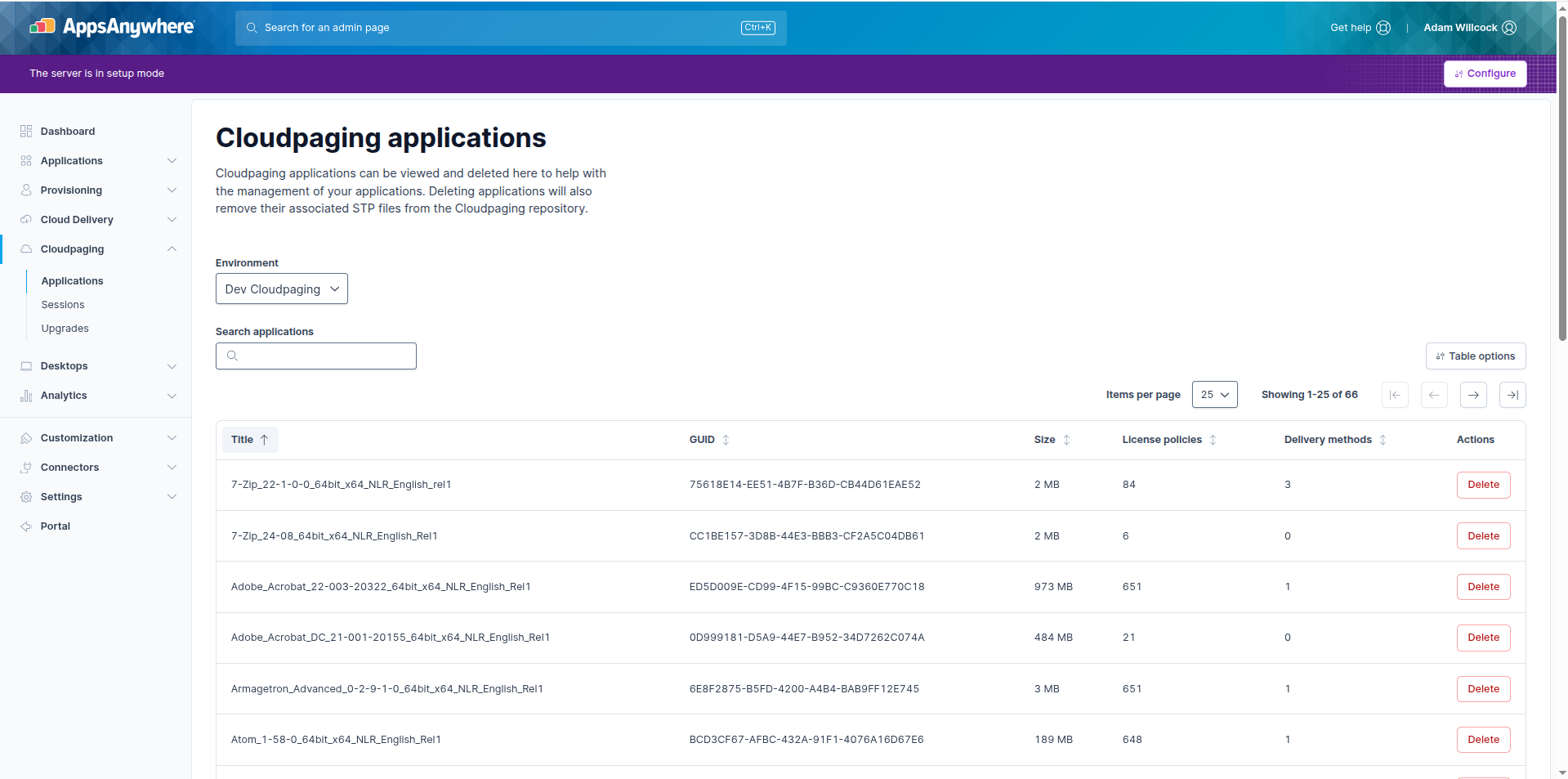
There are also additional columns which can be enabled via the Table options menu:
-
ID: The internal ID reference for the Cloudpaging application
-
License policies: The number of Cloudpaging license policies linked to the Cloudpaging application
-
Patches: The number of Cloudpaging patches linked to the Cloudpaging application
-
Launch command: The default command (e.g., the application executable) executed when the Cloudpaging application is launched on the end-user device.
Deleting Cloudpaging applications
To delete a Cloudpaging application, locate the desired application in the list and click Delete.
When you delete a Cloudpaging application via AppsAnywhere, the following items are deleted in Cloudpaging:
-
Cloudpaging application
-
Linked Cloudpaging license policies (these are created by Cloudpaging for each delivery method that uses the given application)
-
The STP file for the application in the Cloudpaging repository
Deleting a Cloudpaging application with linked delivery methods
Deleting a Cloudpaging application with linked delivery methods is not recommended
Deleting a Cloudpaging application that is linked to delivery methods in AppsAnywhere will display a warning message.
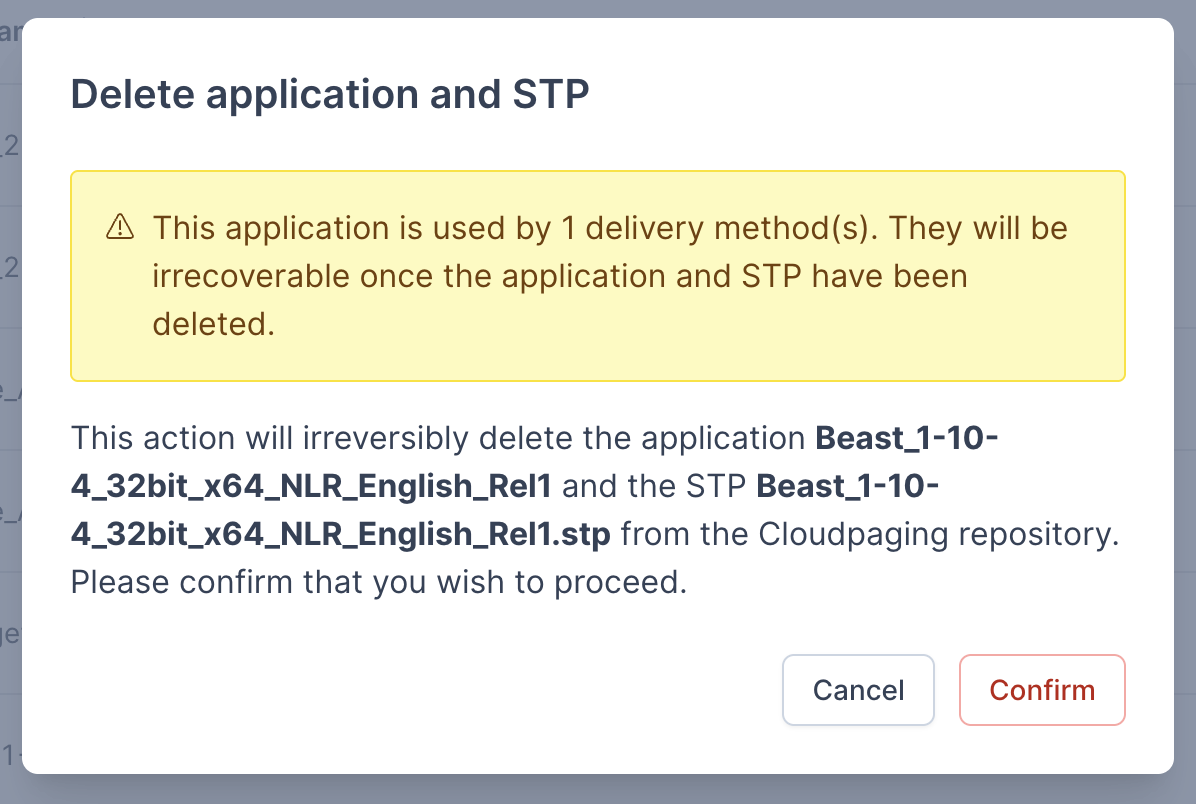
Deleting a Cloudpaging application that is linked to delivery methods in AppsAnywhere does not delete the associated delivery methods. This means that the delivery methods will still exist but will be broken. This will cause failed application launches for end users.
We recommend that linked delivery methods be removed before deleting a Cloudpaging application.
Troubleshooting
Note: The STP file will not be deleted from the repository if Cloudpaging is currently publishing the application to the paging servers.
If this occurs, delete the STP file from the repository manually after deleting the Cloudpaging application from within AppsAnywhere.