
-
Log into AppsAnywhere as an admin user
-
Click on Return to Admin to access the AppsAnywhere admin portal
-
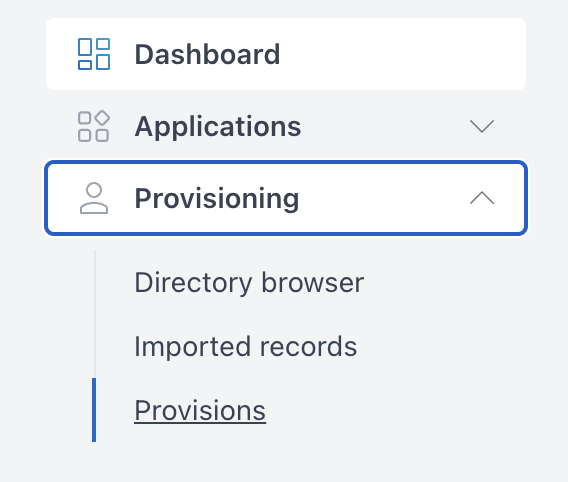
On the navigation menu at the top of the page, go to Provisions > Provisions
-
Use the search box in the top right of the table to quickly find the provision you would like to delete.
-
Identify the provision you would like to delete and click Delete
When deleting a provision, end user access will be removed and any existing sessions will be terminated, resulting in a warning for end users.
The user(s) will need to re-launch from AppsAnywhere if access is permitted via another provision.