
This feature requires the App Library to be enabled.
Overview
The AppsAnywhere Library delivery method allows users to access apps provided by AppsAnywhere Cloud Delivery, which is a great option for providing Windows apps to non-Windows devices, or providing a heavy app to a lightweight device.
Before you start
To work with AppsAnywhere Library one of our Implementations or Support staff will need to perform some initial configuration to connect things up.
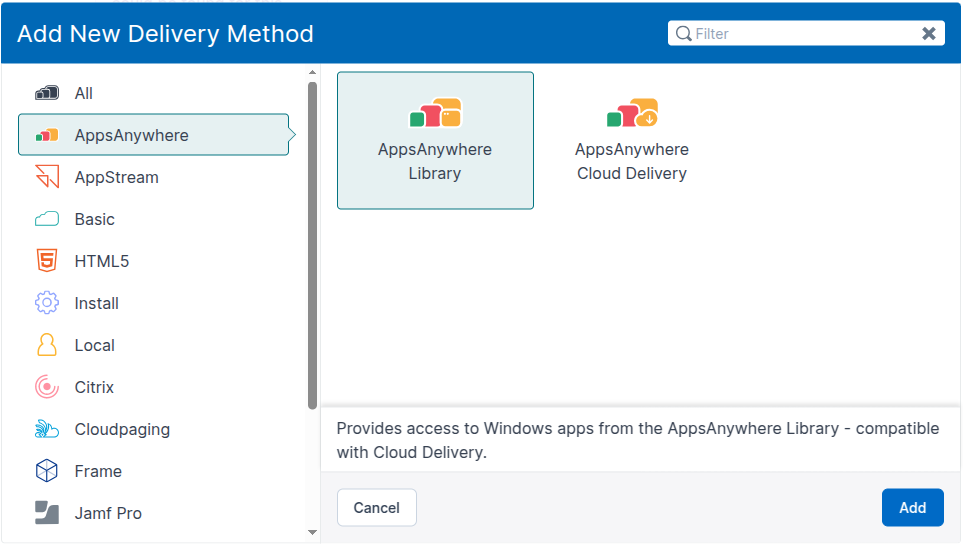
If the delivery method appears for you when attempting to add a new delivery method to an application (shown below), this is usually a good indicator that everything is set up for you.
Getting started
You can find the new delivery method when Adding delivery methods to an app if you select the AppsAnywhere category from the left-hand side of the Add New Delivery Method dialog, by searching for AppsAnywhere Library, or by finding it in the list of all delivery methods.
The delivery method
The delivery method itself is intentionally simple. In this case, simply pick which application should be launched from those available and then select the specific version
If an application isn’t listed and you think it should be, please get in touch with us.
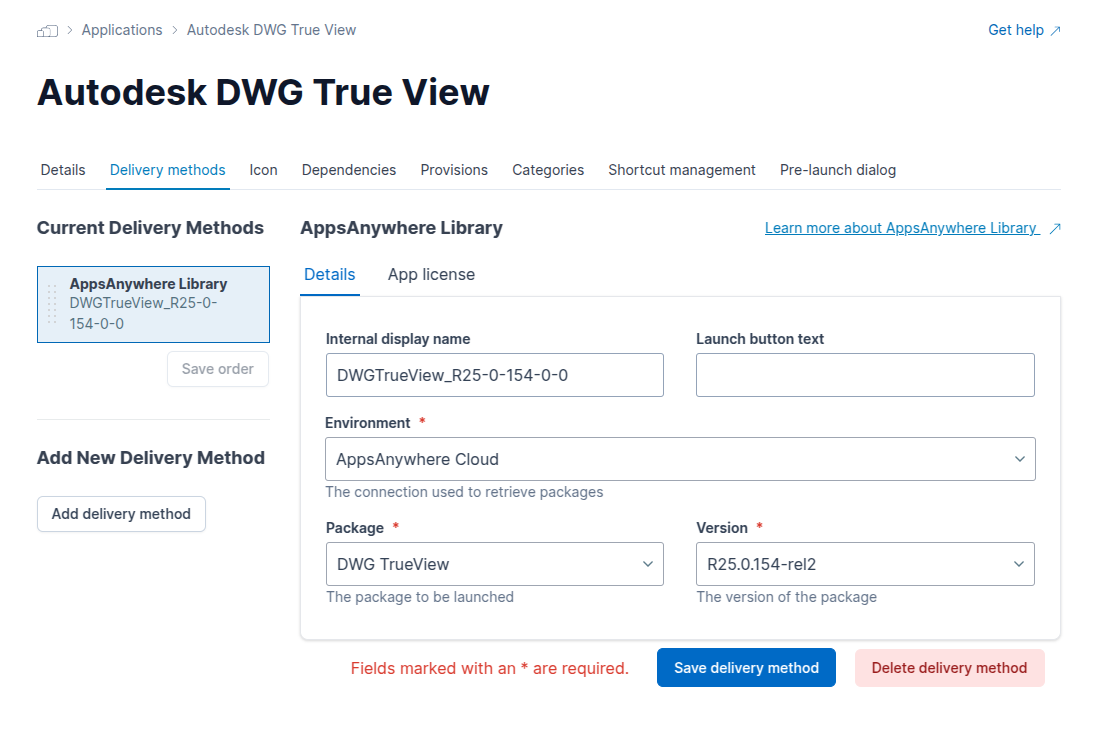
Unlike other delivery methods, AppsAnywhere Library cannot be launched standalone, and can only be launched through AppsAnywhere Cloud Delivery. Please continue reading below to set up Cloud Delivery
Cloud Delivery
Now that we have set up the AppsAnywhere Library DM, we can move on to create the Cloud Delivery DM AppsAnywhere Cloud Delivery Delivery Method and start launching applications.